
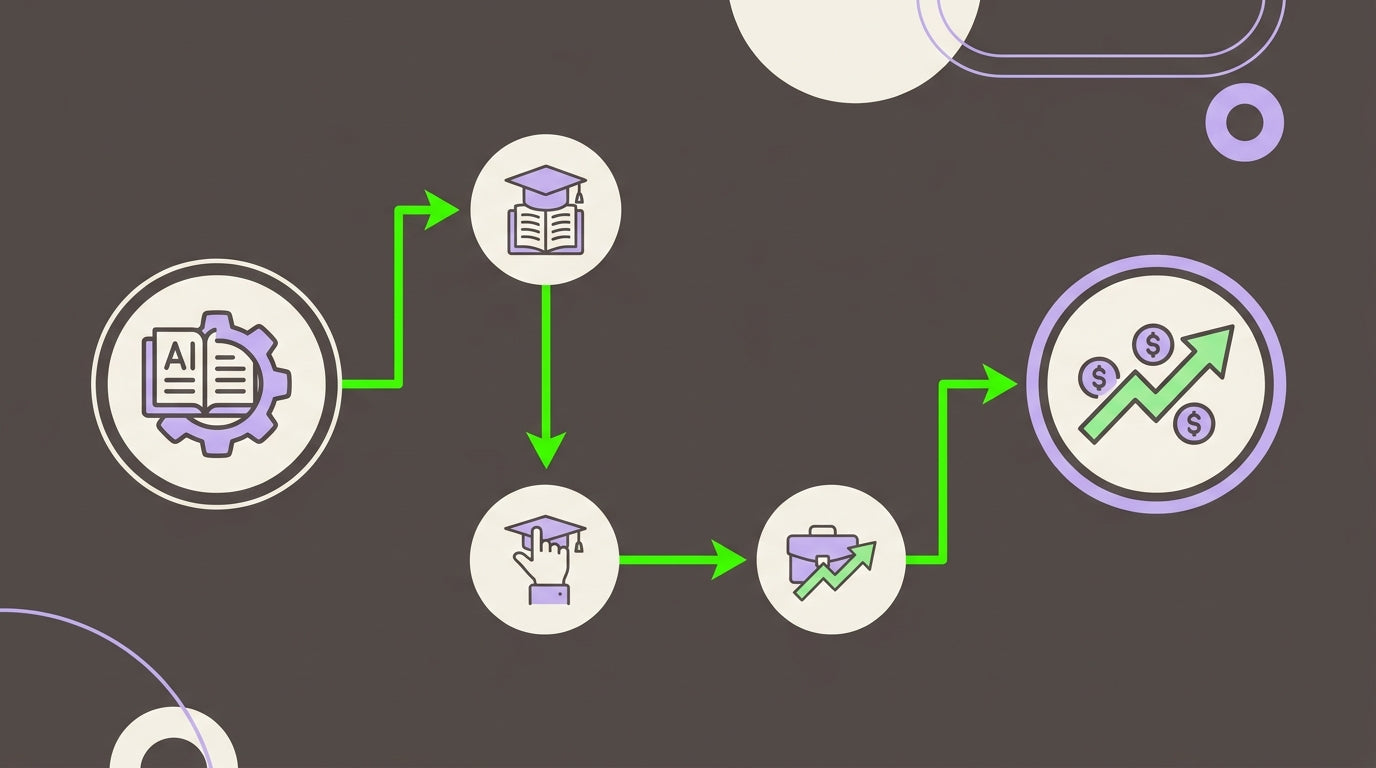
AI training is everywhere.
Employees can find courses on prompting, generative AI, automation, agents, and productivity with little difficulty. Many organizations have already introduced AI tools into their workflows, too.
But there's a difference between learning about AI and knowing how to use it to improve a business.
An employee might understand what an AI agent is without knowing how to build one that qualifies leads. A marketing professional might know how to generate content with AI without knowing how to connect that process to the company's existing systems. A support team might understand AI assistants without knowing how to measure whether automation is actually improving resolution times.
That gap is becoming one of the biggest challenges in corporate AI adoption.
The goal of an effective AI upskilling program shouldn't be to produce the largest number of course completions or certificates. It should be to develop people who can identify useful applications, build practical solutions, use AI responsibly, and demonstrate measurable improvements.
The research behind this article points to a simple framework: audit current skills, train through real projects, measure business outcomes, and then scale what works.

Why AI Training Needs to Change in 2026
A few years ago, simply giving employees access to an AI tool could feel innovative.
That's no longer enough.
As AI becomes easier to access, the competitive difference increasingly comes from how well people integrate it into their actual work.
A company might have dozens of employees using AI every day and still have little idea whether those activities are saving time, improving customer experiences, increasing revenue, or creating unnecessary risks.
Without a strategy, AI adoption can become fragmented.
One employee experiments with a chatbot. Another uses an automation platform. Someone else creates their own workflow. Meanwhile, sensitive information might be entered into tools without a clear understanding of company policy.
A structured AI upskilling program addresses those problems by connecting skills to business objectives rather than treating training as an isolated HR activity.
The question is no longer:
“Have our employees learned AI?”
A better question is:
“What can our employees now do that they couldn't do before, and what measurable business improvement came from it?”
The Difference Between AI Literacy and AI Capability
AI literacy is useful.
Employees should understand basic concepts such as generative AI, prompting, automation, agents, data privacy, and the limitations of AI systems.
But literacy is only the starting point.
Consider an employee who completes a course about AI-powered automation. They may be able to explain how workflows work, but that's different from connecting a CRM, email platform, and project-management system into an automated process that removes repetitive work.
That distinction can be summarized as:
AI literacy = understanding the technology.
AI capability = using the technology to solve a real problem.
A strong training program needs both.
The research specifically recommends moving away from passive learning and toward projects that address actual business bottlenecks.
Step 1: Audit the Skills Your Business Actually Needs
Before buying courses or designing workshops, figure out where AI could create the most useful change.
Don't start with:
“What AI skills should everyone learn?”
Start with:
“Where are we losing time, money, or capacity?”
That question produces much more actionable answers.
Identify High-Value Departments
Start by examining areas such as:
- Sales
- Marketing
- Customer support
- Operations
- Finance
- Human resources
- Data and analytics
Look for repetitive processes, slow handoffs, manual data entry, information bottlenecks, and tasks that require employees to repeatedly move information between systems.
For example, a sales team might spend hours researching prospects before outreach.
A support team might repeatedly answer questions that already exist in internal documentation.
A marketing team might spend significant time moving content through approval and publishing workflows.
These are much better starting points for an AI skills audit than simply asking employees whether they are “comfortable with AI.”
Measure Current Capability
For each role, evaluate whether employees can:
- Identify an appropriate AI use case.
- Write useful prompts and instructions.
- Work with structured and unstructured data.
- Build or modify an automation.
- Use AI agents appropriately.
- Connect AI tools to existing applications.
- Recognize privacy and security risks.
- Evaluate the quality of AI-generated output.
- Measure the effect of an AI-assisted workflow.
This approach reveals the difference between employees who know AI terminology and employees who can actually apply it.
The Most Useful AI Skills to Develop
The specific curriculum should vary by role, but several capabilities are becoming particularly useful for business teams.
Workflow Automation
Employees should understand how different applications can be connected so that information moves between them without unnecessary manual intervention.
For example:
New lead → CRM → enrichment → qualification → sales notification
Instead of someone manually moving information through each step, an automated workflow can coordinate the process.
Platforms such as n8n can be used to connect applications and construct these workflows. The important skill isn't memorizing one platform, though. It's learning how to think in terms of triggers, conditions, data, actions, and exceptions.
No-Code and Low-Code Building
Not every useful internal application requires a traditional software-development project.
Employees can increasingly create lightweight tools and interfaces using no-code or low-code platforms.
This could include:
- Internal request forms
- Simple dashboards
- Customer-facing tools
- Approval systems
- Data collection interfaces
- AI-powered internal assistants
The advantage is speed. Teams can test an idea without waiting for a full development cycle.
AI Agents and Multi-Step Workflows
AI agents can be useful when a task involves several connected steps rather than a single question-and-answer interaction.
A workflow might involve an AI system researching a prospect, summarizing information, preparing an initial draft, and sending the result to a human for review.
The key skill is not simply knowing how to activate an agent.
Employees need to understand when an agent is appropriate, what permissions it should have, where human approval belongs, and how its work should be monitored.
Data Handling and Security
AI skills without data discipline can create serious problems.
Training should therefore include practical guidance on:
- What information can be entered into AI tools
- What information is confidential
- How company data should be handled
- How outputs should be reviewed
- What approval processes apply
- Which AI tools are authorized for business use
The supplied research recommends embedding these policies directly into practical training rather than treating security as a separate theoretical lesson.
Prompting for Business Outcomes
Prompting is more useful when it is connected to a defined result.
Instead of teaching employees only how to ask AI questions, teach them how to provide:
- Context
- Goals
- Constraints
- Source information
- Desired format
- Quality requirements
- Evaluation criteria
For example, “Write a sales email” is vague.
A stronger business instruction might specify the target customer, product, objective, tone, prohibited claims, available customer information, and desired structure.
The goal is not clever prompting for its own sake.
It's reliable output that can be used in a real workflow.
Step 2: Replace “Watch and Learn” With “Build and Learn”
One of the strongest ideas in the research is that AI training should be project-based.
Instead of having employees spend weeks watching lessons before touching a real business problem, allow them to learn concepts while building something useful.
This changes the experience completely.
Imagine a marketing workshop where the team builds an automated content workflow.
They have to figure out:
- What triggers the workflow?
- What information does the AI need?
- How should the output be structured?
- Where does the content go afterward?
- What requires human approval?
- How will quality be checked?
- How much time does the new workflow save?
Every question becomes part of the learning process.
Why Project-Based Training Works
A real project provides three advantages.
Relevance: Employees work on problems they already understand.
Confidence: A completed project provides visible evidence that the new skills are useful.
Business value: If the solution improves a process, the organization can begin benefiting before the training program is finished.
That's a much stronger feedback loop than simply receiving a certificate.
Examples of Practical AI Training Projects
The best project depends on the department.
Marketing
Build a workflow that takes approved campaign information and produces first drafts of social posts, email variations, or other content for human review.
The team learns prompting, workflow design, brand consistency, and automation.
Customer Support
Create a knowledge assistant that helps support staff find relevant information and prepare draft responses.
The team learns how to organize information, evaluate AI responses, and establish appropriate human oversight.
Sales
Build a lead-research workflow that gathers information, summarizes prospects, and prepares research notes for sales representatives.
The team learns about agents, data handling, CRM integration, and workflow automation.
Operations
Automate a repetitive reporting or data-entry process.
This can be particularly useful because time saved on recurring administrative tasks can be measured directly.
The objective isn't to build the most impressive AI project.
It's to build the most useful project you can measure.
Free Courses vs. Structured AI Training
Free educational material has an important role.
It can provide foundational knowledge and help employees understand terminology before they begin more advanced work.
But free courses and structured project-based training solve different problems.
| Area | Free Courses | Structured Training |
|---|---|---|
| Main focus | General concepts | Practical application |
| Curriculum | Broad and standardized | Adapted to roles and goals |
| Primary outcome | Knowledge | Demonstrated capability |
| Support | Often community-based | Guided feedback and mentorship |
The supplied PDF makes a similar distinction, emphasizing that practical, role-specific programs are better positioned to connect training with measurable business outcomes.
That doesn't mean every employee needs an expensive training program.
It means businesses should choose the learning format based on the outcome they're trying to achieve.
If the goal is basic AI literacy, a course may be enough.
If the goal is building an automated workflow that changes how a department operates, employees need opportunities to build, test, troubleshoot, and improve.
Step 3: Measure AI Training ROI Before You Start
This is where many corporate training programs become difficult to evaluate.
Companies often track:
- Number of employees trained
- Course completion rates
- Attendance
- Certificates earned
- Training hours
Those numbers tell you whether training happened.
They don't necessarily tell you whether it was valuable.
To measure ROI, establish your baseline before the training begins.
Choose a Business KPI
The right metric depends on the project.
For customer support, you might track:
Average time to resolve a ticket
For marketing:
Cost per lead
For operations:
Hours spent on manual data entry
For sales:
Sales cycle length
The important thing is to measure the current state before introducing the new skill or workflow.
Calculate the Full Cost
Training costs aren't limited to the price of a course.
A realistic calculation may include:
- Training fees
- AI software subscriptions
- New automation tools
- Implementation expenses
- Employee time spent learning
- Time spent building the project
The research specifically recommends accounting for employee training time and tool licensing when calculating total costs.
Use a Simple ROI Formula
A basic calculation is:
ROI = (Net Benefits ÷ Total Costs) × 100
The hard part isn't the formula.
It's determining credible values for the costs and benefits.

A Simple Example of AI Training ROI
Suppose a company spends $5,000 on training.
After completing the program, the team builds an automation that saves 10 hours of work each week.
If the relevant blended labor cost is $50 per hour, the annual value of that saved time would be:
10 hours × $50 × 52 weeks = $26,000
That is a useful example because the connection between the training and the business benefit is visible.
The supplied research uses the same figures as an illustration of how a practical automation project can produce measurable savings.
Real-world ROI calculations should be more careful than this simplified example. Saved hours aren't automatically equivalent to cash savings unless the organization can actually convert that recovered capacity into financial value.
Still, the principle is powerful:
Measure the change, assign a reasonable value to it, and compare that benefit against the complete cost of the initiative.
Don't Measure Everything at Once
A common mistake is creating a massive scorecard with dozens of KPIs.
You don't need one.
Choose one or two metrics that directly relate to the project.
For example:
Before: Support team spends an average of 12 minutes handling a standard request.
After: Average time falls to 8 minutes.
Now you have something concrete to investigate.
Was the improvement caused by the new AI workflow?
Did quality remain stable?
Did customer satisfaction change?
Did employees spend the saved time on higher-value work?
Good measurement isn't simply about proving that AI made a number smaller.
It's about understanding what changed and why.
Start With a Pilot, Not the Entire Company
Rolling out an AI curriculum to every employee at once may sound ambitious, but it can make measurement much harder.
A smaller pilot is usually easier to manage.
Choose a department with:
- A clear business problem
- Repetitive workflows
- Employees interested in experimentation
- A measurable KPI
- A manager who supports the project
The research suggests beginning with a focused group and using successful results to build momentum for wider adoption.
A successful pilot can then become a template.
Instead of telling the rest of the organization that AI training “should work,” you can show them what happened.
Build an Internal AI Champion Network
AI adoption doesn't have to remain the responsibility of one training department.
Identify employees who are particularly interested in AI and give them opportunities to develop deeper skills.
They can become internal champions who:
- Share successful workflows
- Help colleagues troubleshoot
- Demonstrate practical use cases
- Reinforce company AI policies
- Identify new automation opportunities
- Help evaluate tools
The supplied research recommends using successful pilot participants as champions and mentors during broader rollout.
This creates a more sustainable learning culture than relying entirely on occasional training sessions.
Training Is Only Half the Equation
A trained employee can identify an automation opportunity.
But if they don't have the appropriate tools, permissions, data access, or technical support, the idea may never leave the classroom.
That's why AI upskilling should be paired with an AI operating environment.
Employees may need access to:
- Approved AI assistants
- Automation platforms
- APIs
- Internal knowledge sources
- No-code or low-code builders
- Data tools
- Testing environments
- Monitoring and review processes
This doesn't mean handing everyone unrestricted access to every AI service available.
Quite the opposite.
A mature AI environment should make the right tools easy to use and the risky ones easier to control.
Create a Clear Path From Learning to Deployment
A useful corporate AI program can follow a simple progression:
Learn
Employees understand the relevant AI concepts and company policies.
Build
They apply those concepts to a real business problem.
Test
The team checks accuracy, reliability, security, and usability.
Measure
The organization compares results with its baseline KPI.
Improve
The workflow is refined based on what the team learns.
Scale
Successful solutions are expanded to additional employees, teams, or processes.
This approach prevents training from becoming a one-time event.
The goal is a repeatable cycle where every successful project teaches the organization something new.
The Best AI Upskilling Roadmap Is Business-Specific
There isn't one universal AI curriculum that every company should follow.
A customer support department doesn't need the same training as a finance team.
A sales organization may benefit from lead research and workflow automation, while an operations team may gain more from data processing and internal tools.
The core principle is therefore:
Train for the work, not for the trend.
Don't teach an employee about an AI technology simply because it's popular.
Teach it when it helps solve a problem that matters to their role.
That makes the learning more relevant and gives the business a clear reason to invest.
What Success Looks Like in 2026
A successful AI training program doesn't end when employees finish a course.
You should be able to point to specific outcomes.
Perhaps a team reduced repetitive work.
Perhaps a workflow now handles the first stage of a process automatically.
Perhaps employees can build internal tools without waiting for a full development cycle.
Perhaps sales representatives spend less time researching leads.
Perhaps support agents can handle routine requests more efficiently.
These outcomes are more meaningful than the number of certificates sitting in an employee's inbox.
The broader objective is to create people who can look at a process and ask:
“Could AI make this faster, better, safer, or easier to scale?”
Then they need the skills to test the answer.
Final Thoughts
AI upskilling in 2026 shouldn't be treated as a race to collect certifications.
The real opportunity is to create a workforce that can apply AI responsibly to meaningful business problems.
Start by auditing practical skills rather than general familiarity. Identify the workflows where improvement would matter most. Build training around real projects. Teach automation, agents, data handling, security, and business-focused prompting. Then measure the results against a baseline established before the program begins.
Most importantly, don't stop when the training ends.
Give employees the tools and support required to put their new capabilities into practice. Use successful pilots to demonstrate value, develop internal champions, and gradually expand what works.
The strongest AI upskilling strategy isn't the one with the most courses.
It's the one where learning leads to building, building leads to measurable improvement, and measurable improvement leads to better business decisions.
That's how AI training moves from an expense on the learning calendar to an investment the business can actually evaluate.
Share:
Fortnite V-Bucks Changes in 2026: What the Battle Pass Update Means
GTA Online 2026 DLC Leaks: Is a Liberty City Expansion Coming?